Ingest
Traverse inconsistent Dropbox collections and generate browser-ready previews without moving or duplicating the source files.
Folders, archives, raster, vector and design formatsIndependent product / Information retrieval / 2026
A visual database that turns years of purchased Dropbox collections into individual assets I can actually find, inspect and use.
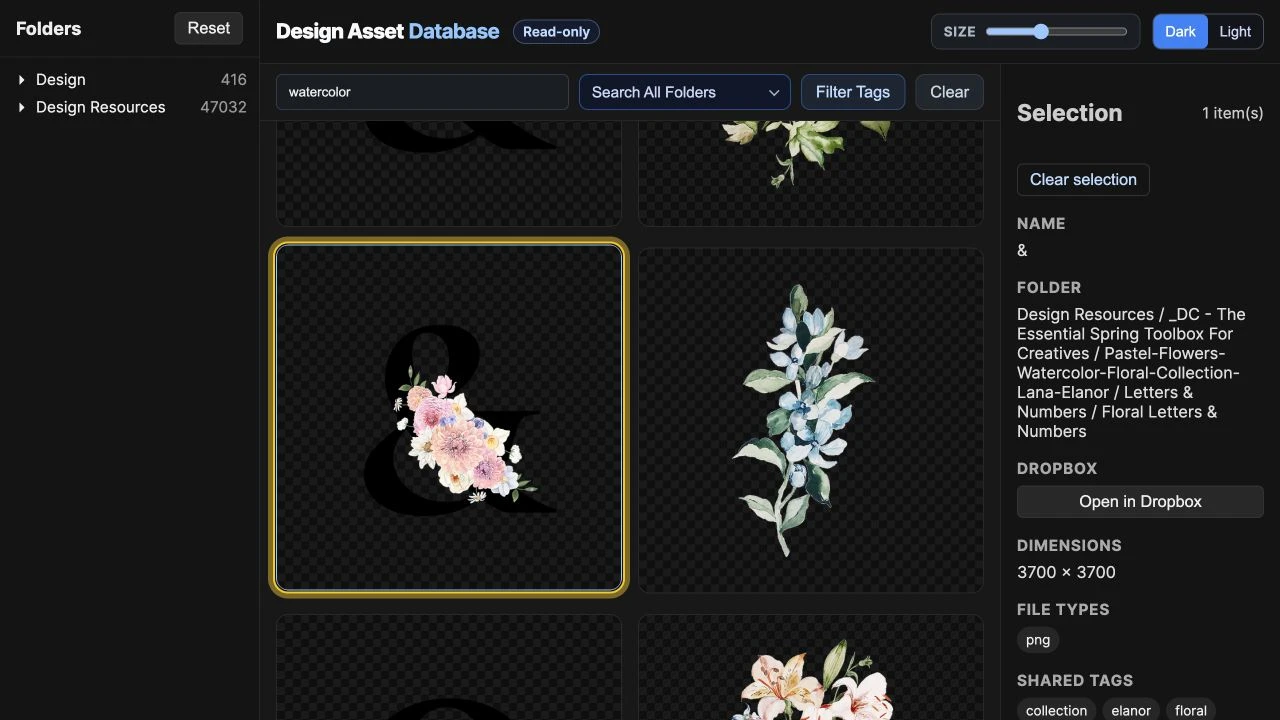
The origin
I kept marketplace screenshots as reminders of purchased collections. They represented whole downloads, not the thousands of illustrations, textures, vectors, templates and source formats buried inside them. During a project, I still could not answer the practical question: do I already own the specific asset I need?
From download to retrieval
Traverse inconsistent Dropbox collections and generate browser-ready previews without moving or duplicating the source files.
Folders, archives, raster, vector and design formatsGroup PNG, SVG, EPS, AI and other variants into one logical asset, then retain the formats and folder context as metadata.
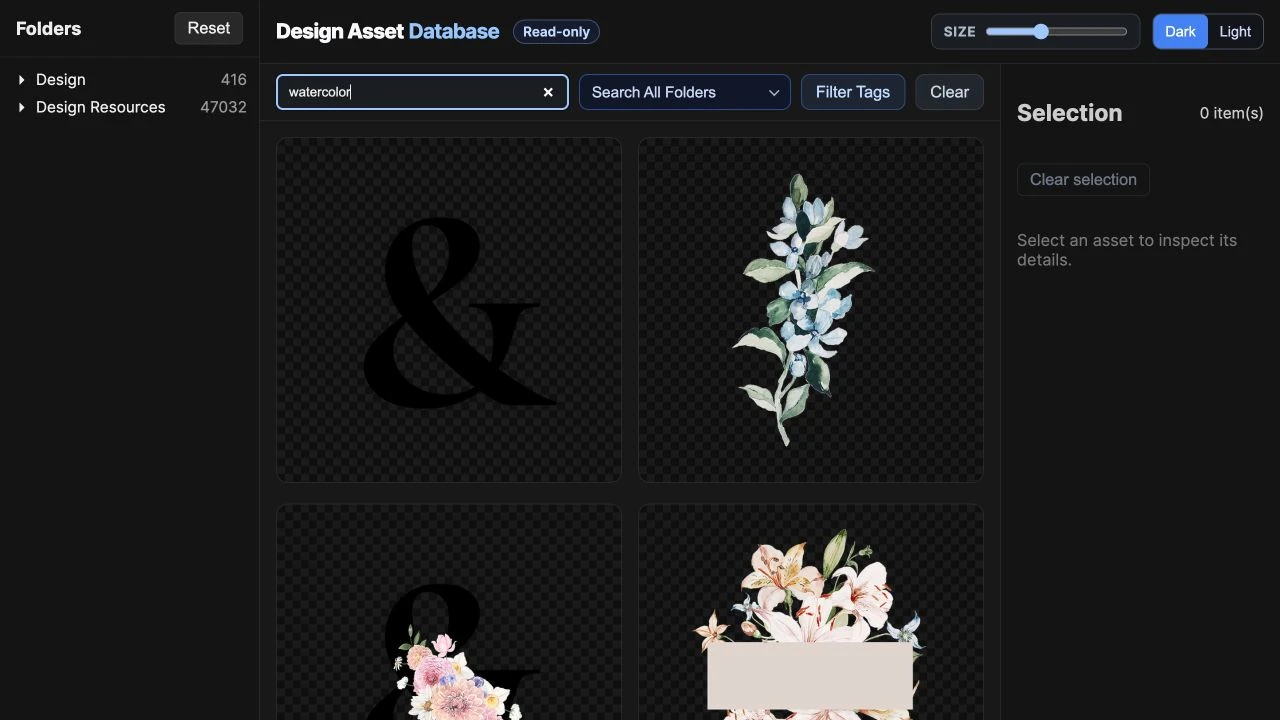
One asset record instead of repeated search resultsSearch names, paths, file types and tags, inspect a result visually, then return to the original collection in Dropbox.
The index ends where the working file beginsRetrieval evidence
The adoption problem
The first version behaved like a development environment: services, terminal commands, ports and crawler knowledge. Search worked, but opening the product cost too much attention. Syncing a live SQLite database through Dropbox would only exchange startup friction for data risk.
The portable release
The redesign separated authoring from consumption. A home machine publishes an integrity-checked snapshot; the work app verifies it, caches it locally and opens it immutable and read-only.
The only computer allowed to index, tag, merge and edit the canonical catalog.
A compact, versioned SQLite snapshot plus synchronized preview files.
A macOS app validates the hash, caches locally and opens the catalog read-only.
What the viewer proves
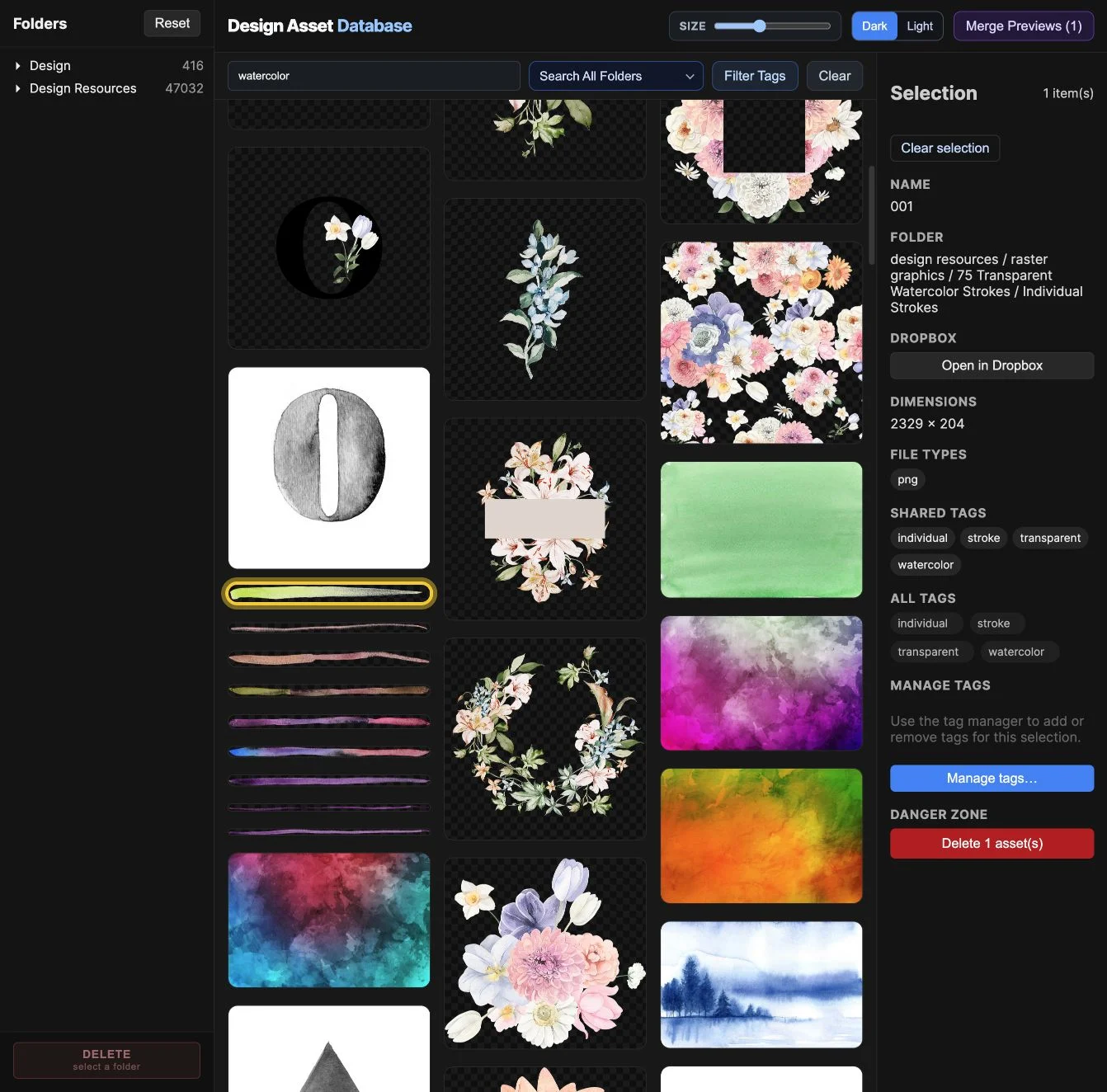
The observed outcome
The release packages a 38 MB Apple-silicon macOS viewer and keeps complexity where changes happen. The evidence below is from local verification, not a claim of long-term adoption.